
Engineers (Civil, Geospatial)
Typical Work: Designing roads, utilities, and structures; analyzing construction sites; planning infrastructure.
How SPCAD Helps: They can easily manage project coordinates and perform conversions for accurate site design. SPCAD provides tools for creating and analyzing terrain models (TINs) and generating contours for earthwork and grading plans. They can also use spatial analysis tools like buffering for site suitability, and efficiently import/export various data formats, streamlining data exchange.

GIS Professionals
Typical Work: Creating and analyzing maps; managing geographic data; combining different types of spatial information.
How SPCAD Helps: SPCAD acts as a CAD-GIS bridge, allowing direct integration of GIS data formats (like SHP, KML, GML, CSV, GeoJSON, LAS, GPX, and more) within a familiar CAD environment. They can perform advanced spatial analyses like buffering, polygon manipulation (cut, merge, Voronoi), and data clipping. SPCAD also ensures data accuracy by expertly managing and transforming various coordinate systems.

Contractors
Typical Work: Overseeing construction projects, site setup, material estimation, coordinating plans, and managing field data.
How SPCAD Helps: SPCAD significantly helps in bringing design plans into their CAD system by allowing them to import various data formats (like SHP, KML, GML, CSV, GeoJSON, LAS, GPX, etc.) from engineers and GIS professionals. To understand complex site information and aid in material estimation, they can use tools for visualizing terrain with contours and generating cross-sections and profiles from topographical data. This ensures accurate site layout, aids in quantity take-offs, and improves communication regarding site specifics. Automation features can also streamline routine tasks.

Town Planners
Typical Work: Designing urban areas; setting zoning rules; planning how land is used; creating development maps.
How SPCAD Helps: SPCAD’s comprehensive cadastral tools, including Parcel Manager, enable them to effectively manage land parcels and Construct Parcels. For precise land use and development plans, they can perform detailed Lot Division using methods such as Perpendicular to Side Lot Line, Parallel Area to Front Line, Across Lot Width Line, and more. They can also easily Annotate Parcels and Export Parcels. SPCAD allows them to conduct spatial analysis for planning setbacks, visualize zoning requirements, and integrate geographic data into design layouts. It also supports producing clear, professional maps and atlases for presentations.
Surveyors
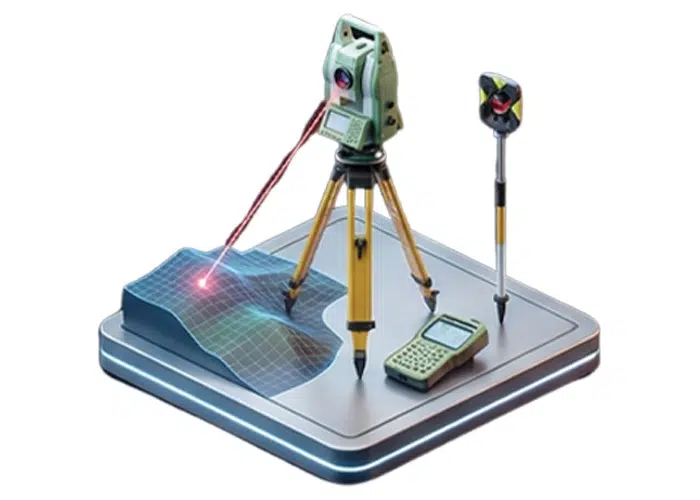
Typical Work: Measuring land; managing survey points; defining property lines; creating legal descriptions.
How SPCAD Helps: They can efficiently use the Point Group Manager to classify and organize survey points, and quickly generate contours or TINs from them. SPCAD helps handle complex coordinate transformations, including grid-to-ground conversions, ensuring high accuracy. Cadastral tools allow direct management of parcels and accurate lot divisions for property surveys.

Architects
Typical Work: Site planning; integrating building designs with site context; visualizing environmental factors.
How SPCAD Helps: They can easily integrate OSM Vector Data, .geprint files, and background web map tiles from Esri and other sources to accurately place building designs within their real-world context. SPCAD assists with basic site analysis for setbacks or clearances and ensures designs are correctly oriented on larger project sites.

Landscape Architects
Typical Work: Designing outdoor spaces; integrating natural and built environments; site grading; planting plans.
How SPCAD Helps: They can utilize SPCAD’s topographic tools to design and analyze site grading, create precise terrain models (TINs), and generate contours. It helps in integrating site plans with existing geospatial data and performing analysis like calculating drainage or creating buffer zones for specific design elements.
Draftsmen
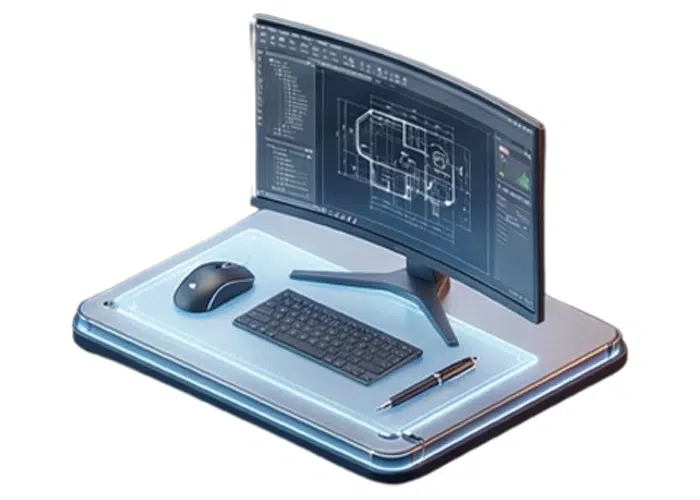
Typical Work: Creating and modifying technical drawings; ensuring accuracy and adherence to standards; organizing drawing data.
How SPCAD Helps: They can use SPCAD’s various Polyline Tools (such as Best Fit Polyline, Mark Centerline, and 2D/3D polyline conversions) for efficient and precise drawing. For data organization and refining drawing elements, tools like Clip Drawing, Split Polyline, Line Count, Block Count, and Break Text are available. SPCAD also offers advanced features for creating and manipulating geometries like Voronoi Polygons, Convex Hull, and Line/Polygon from Points. Automation features can further streamline repetitive drafting tasks.


