
What is New in SPCAD v26.0?
What is New in SPCAD v26.0?
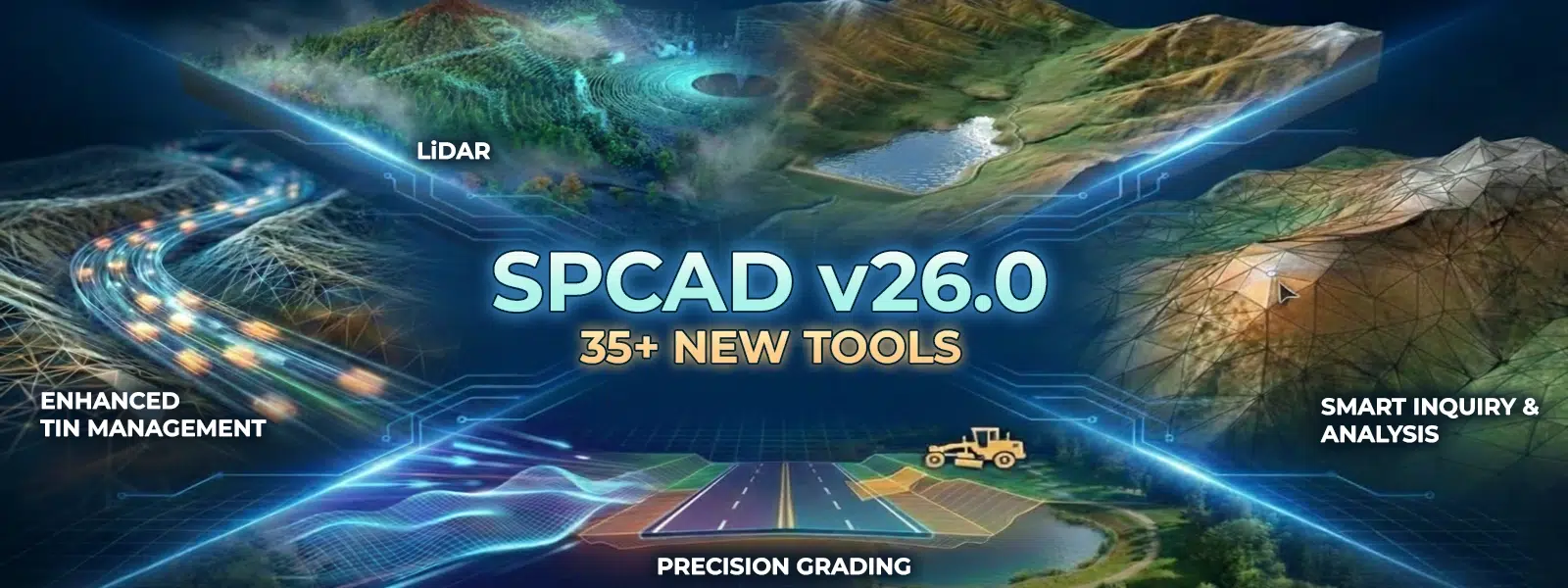
At Cadomation, we don’t just build software; we solve the bottlenecks that slow you down. Over the years, we’ve listened to the long hours you spend at your desk and the complex demands on-site. Consequently, you asked for more power and better control over your data, and we delivered.
The v26.0 Roadmap: Over 40 New Tools
Version 26.0 is a comprehensive hub for your geospatial data, re-engineered to handle the most demanding projects in the industry. Moreover, it unifies your workflows from LiDAR processing to terrain analysis and grading. In addition, each tool is designed to save you time and increase accuracy.
1. LiDAR Tools

A complete suite for native handling and analysis of high-density sensor data. With these tools, you can seamlessly move from importing raw LAS files to creating meaningful visualizations. Furthermore, you can filter, slice, and extract features in real time to accelerate your design process.
2. DEM Tools

Advanced terrain intelligence and surface analysis at your fingertips. Whether it’s watershed delineation or least-cost path routing, SPCAD v26 makes complex tasks simple. In addition, you can download, reproject, and visualize DEMs directly within your CAD environment for efficient planning and execution.
3. Grading Tools

Automated site preparation that replaces manual repetition with precision.
4. Inquiry Tools

Extract technical metadata without the manual hunting.
5. TIN Manager Enhancements
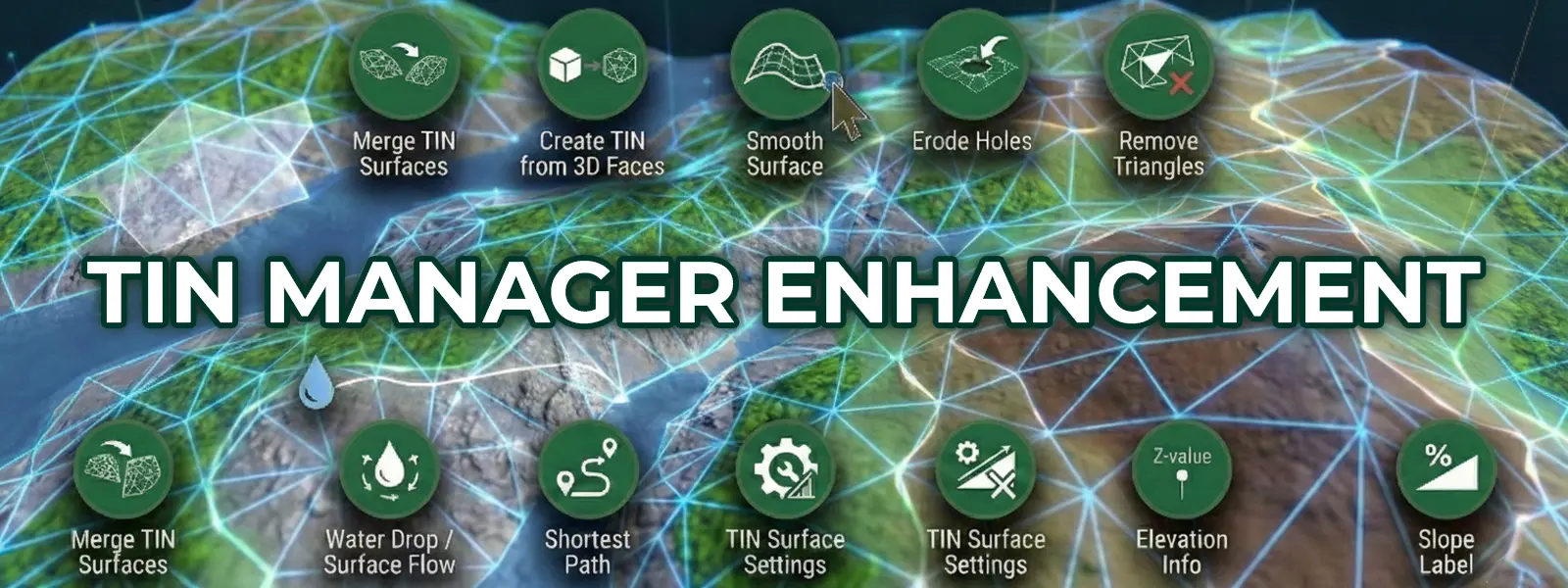
Revamped for cleaner data handling and precision terrain refining.
6. Surface Volume Tools: Raster Comparison & Land Leveling
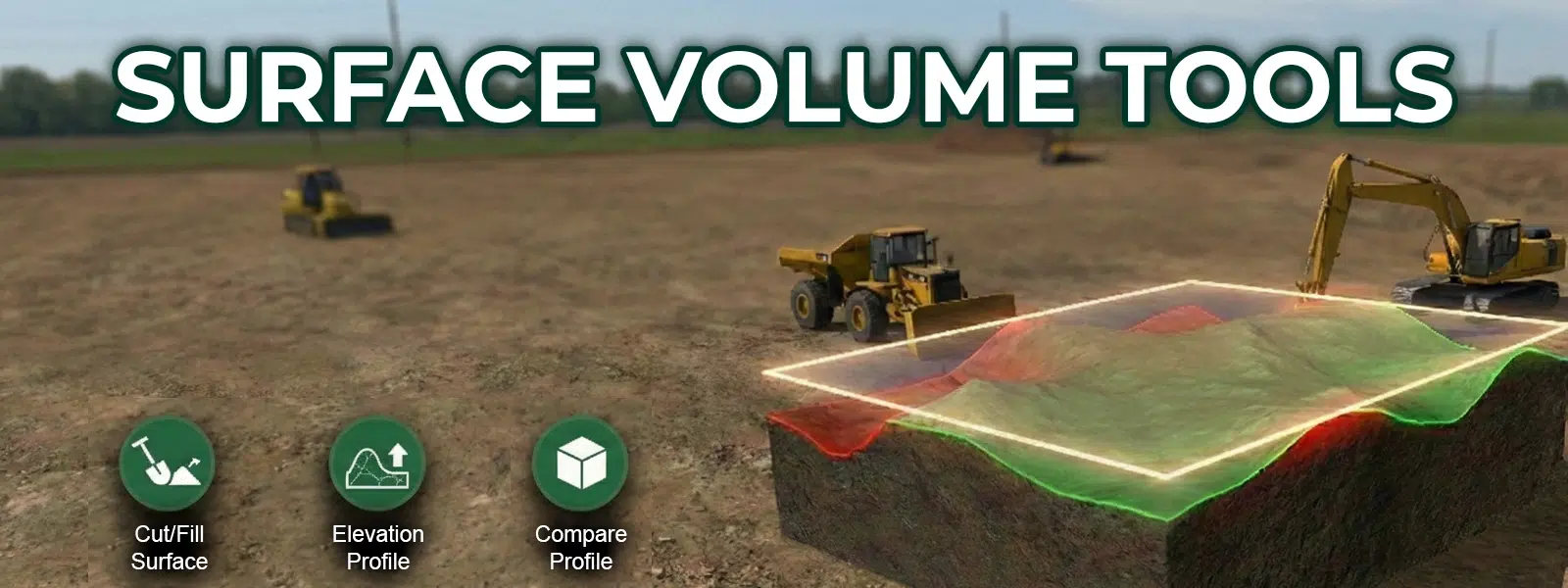
Advanced volume analysis, site optimization, and real-time design feedback.
7. Comparing Profiles
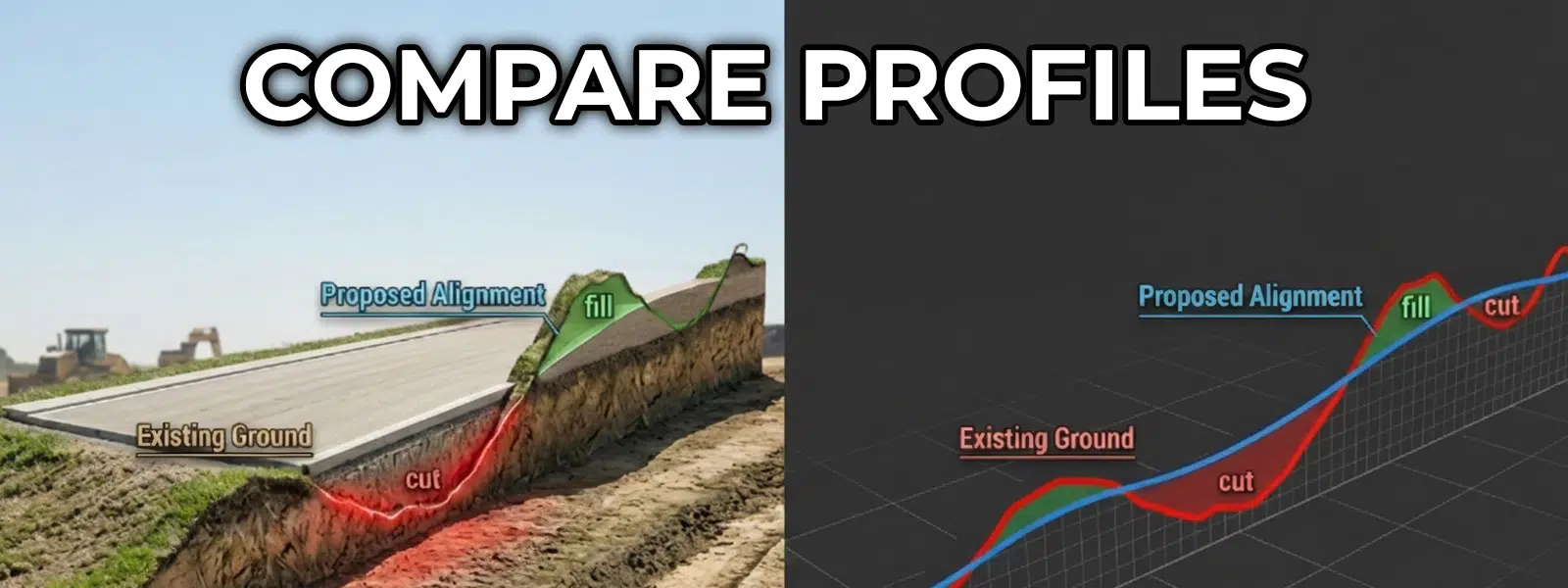
Verify design changes in real-time by overlaying proposed alignments against existing ground profiles for immediate feedback.


